

Get Your Classes Online
Without the Headache
Set up classes in seconds with topic, date, time, and coach assignment. Students see everything on their dashboard, no more "when was that class?" emails. Attach Zoom links, track topics, and manage your entire schedule from one place.
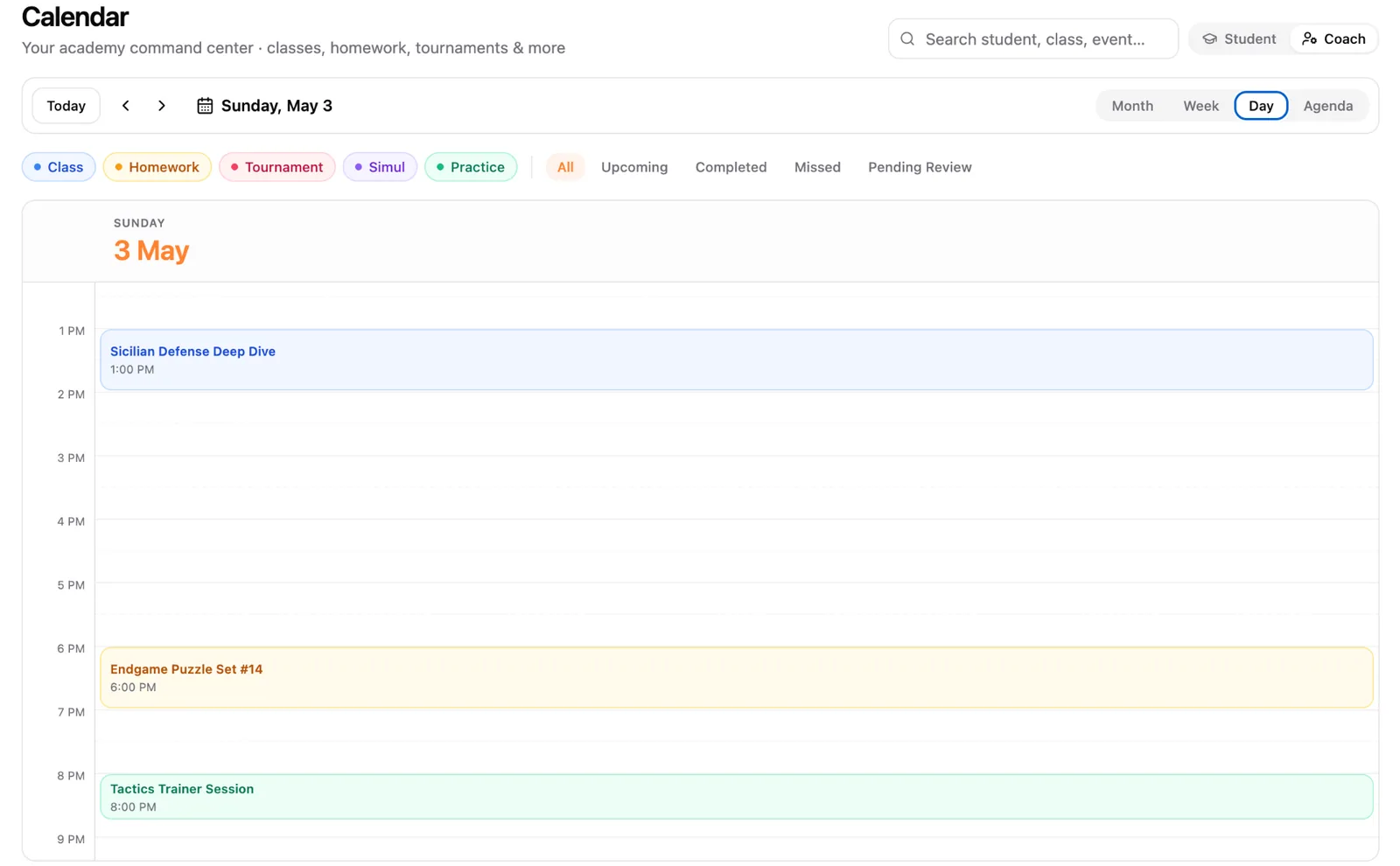
One-click Class Setup
Add the topic, date, time, assign a coach, attach a Zoom link, boom, it's on every student's schedule instantly. No spreadsheets, no manual reminders, no wasted time.
- ✓Create classes in under 30 seconds
- ✓Auto-attach Zoom or Google Meet links
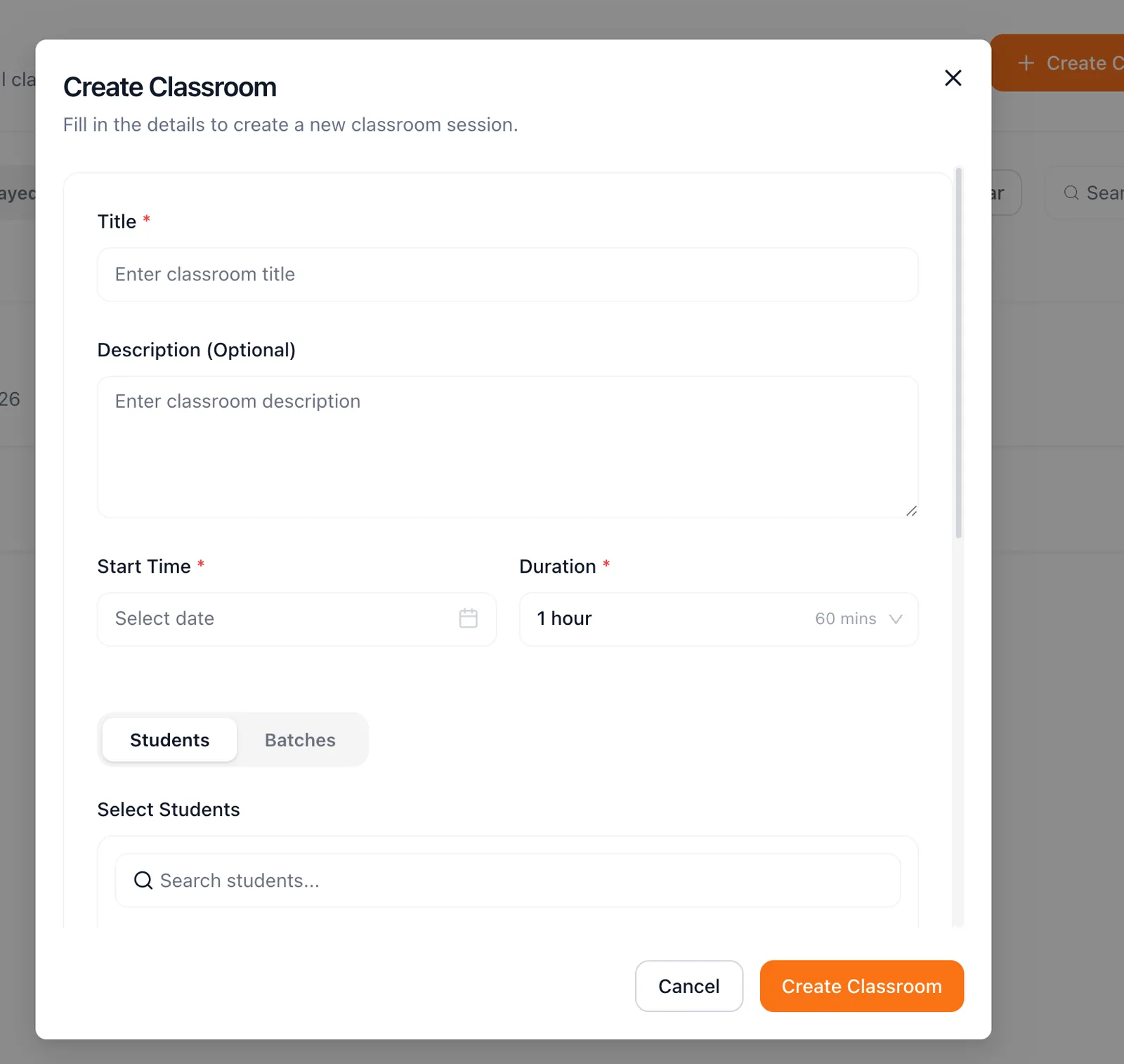
- ✓Recurring schedules, set once, run weekly
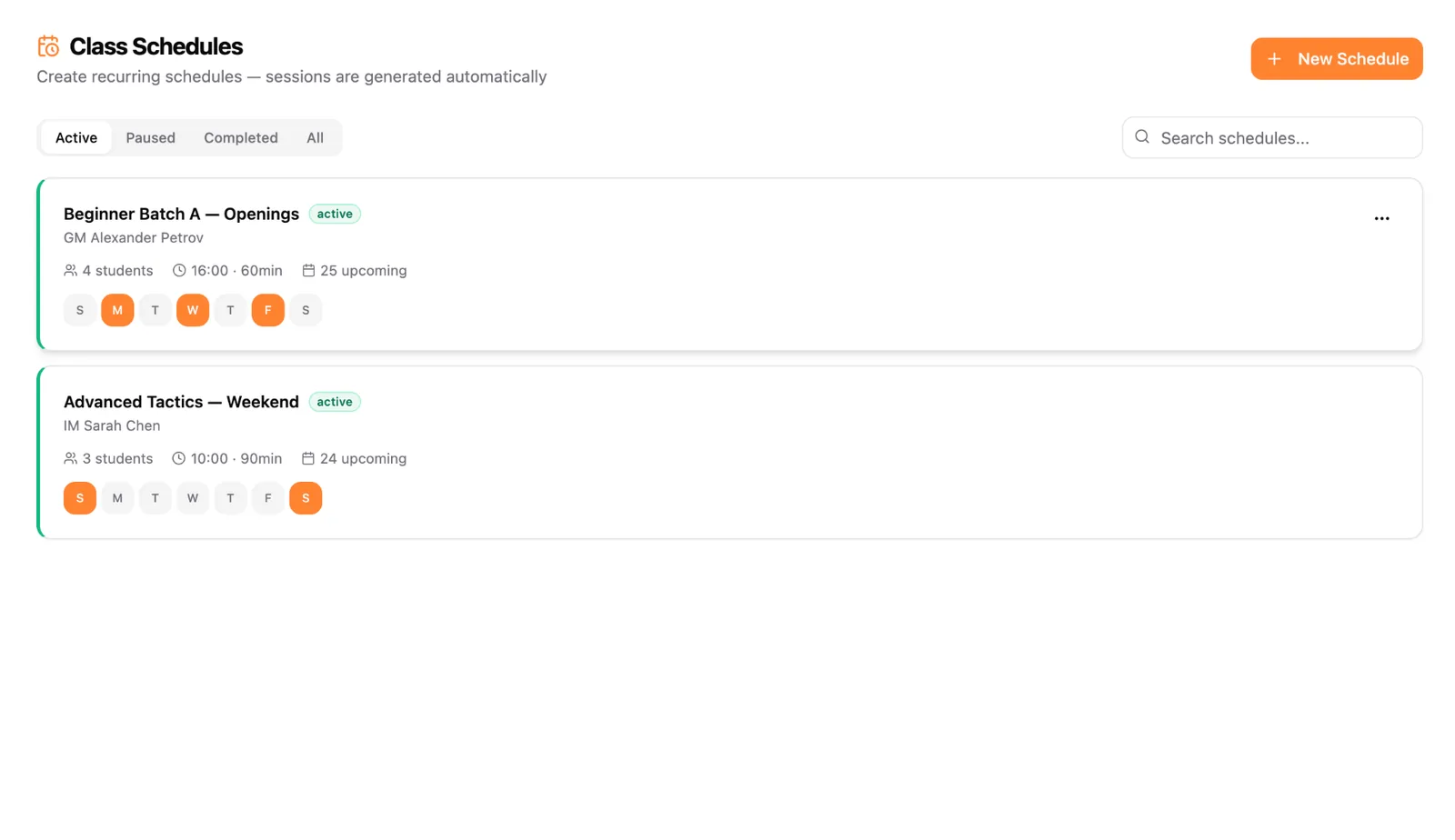
Student-Friendly Calendar View
Students log in and see their upcoming classes in a clean calendar. Topics, coach name, time, Zoom link, all at a glance. Parents love it too.
- ✓Students never miss a class, everything visible on dashboard
- ✓Color-coded by batch/level for easy scanning
- ✓Works beautifully on mobile devices
Coach Dashboard Oversight
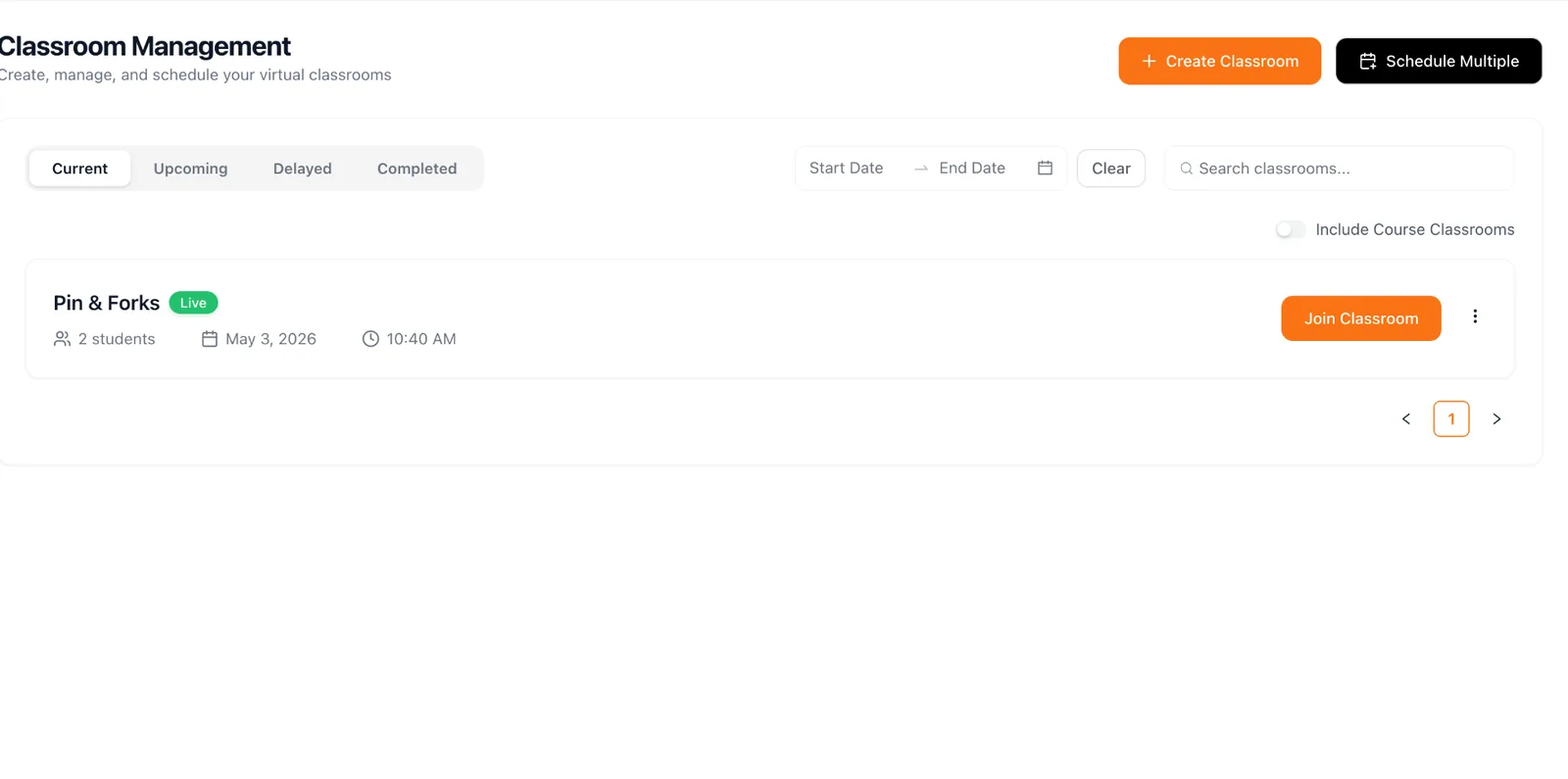
See all your classes across batches and coaches in one unified view. Know what's happening today, this week, and this month.
- ✓Unified view across all coaches and batches
- ✓Quick reschedule and cancellation with student notifications
- ✓Attendance automatically marked when students join
Frequently asked questions
Can I run recurring chess classes on a fixed weekly schedule?
Yes. Set a topic, coach, time and recurrence (weekly, twice a week, custom) and ChessPlay generates every session for the term. Students see the full calendar in their dashboard.
Does ChessPlay integrate with Zoom or Google Meet?
Yes, paste your Zoom or Meet link once and it's attached to every session in that batch. Students join with one click from their class card.
How is attendance tracked during live classes?
When a student joins the live classroom, ChessPlay marks them present automatically. Coaches can override or mark late entries from the same screen.
Can multiple coaches share the same classroom calendar?
Yes. Academy and Multi-location plans support unlimited coaches with a unified academy calendar plus per-coach views, so nothing double-books.
What happens if I need to reschedule a class?
Drag-and-drop the session to a new time, or cancel a single occurrence. Students and parents are notified by email and in-app instantly.
Ready to simplify your class management?
Join 150+ chess academies already using ChessPlay. Free 7-day trial.