

Quizzes That Actually
Work For You
Create timed quizzes, assign homework positions, and track exactly who's done what. Know where every student stands, no more guessing, no more chasing.
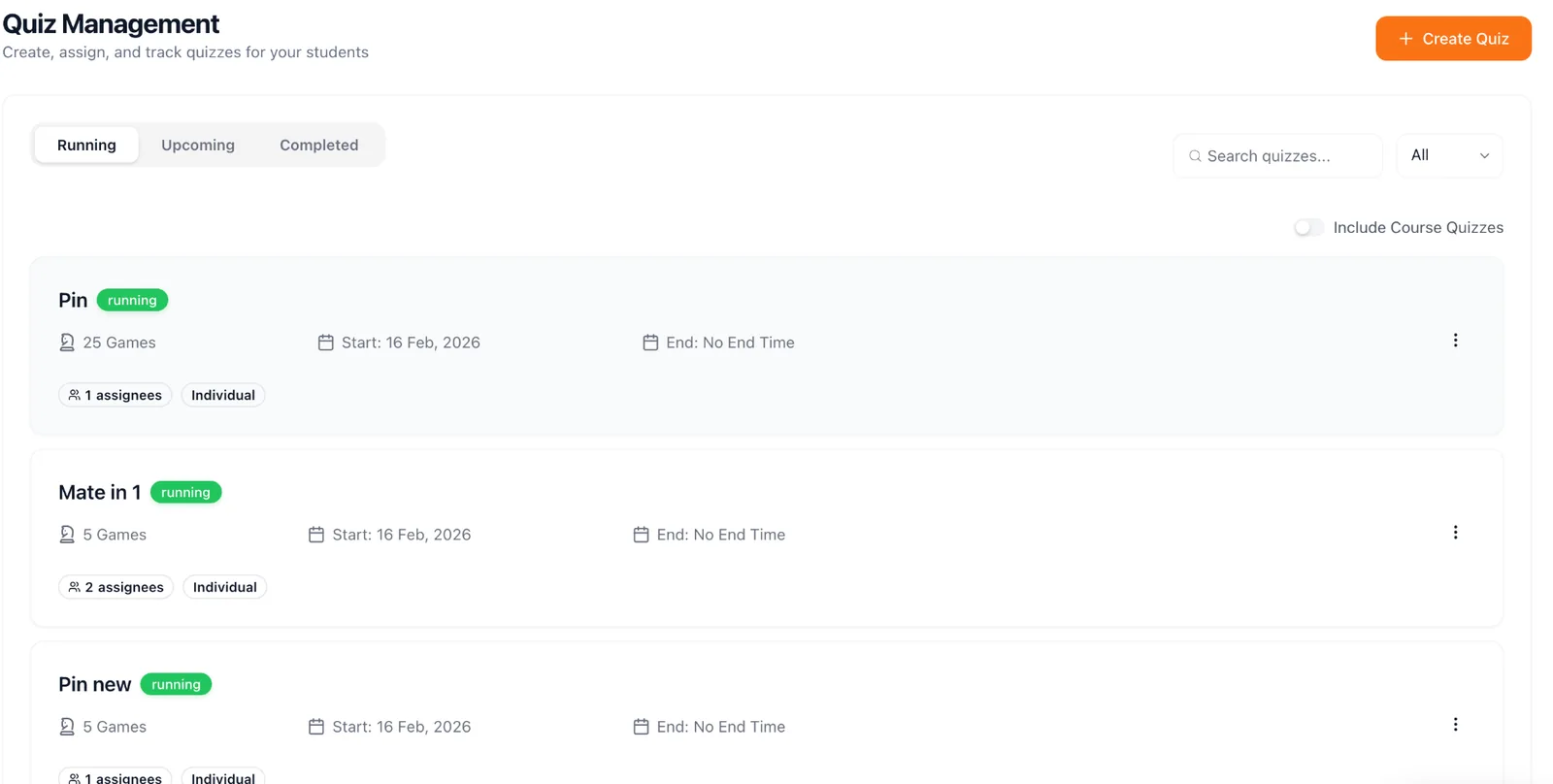
Create Quizzes in Minutes
Upload positions from PGN/FEN, set time limits, choose difficulty. Assign to batches or individuals. Results auto-graded.
- ✓Support for FEN/PGN position imports
- ✓Timed quizzes with automatic grading
- ✓Assign to specific batches, levels, or individual students
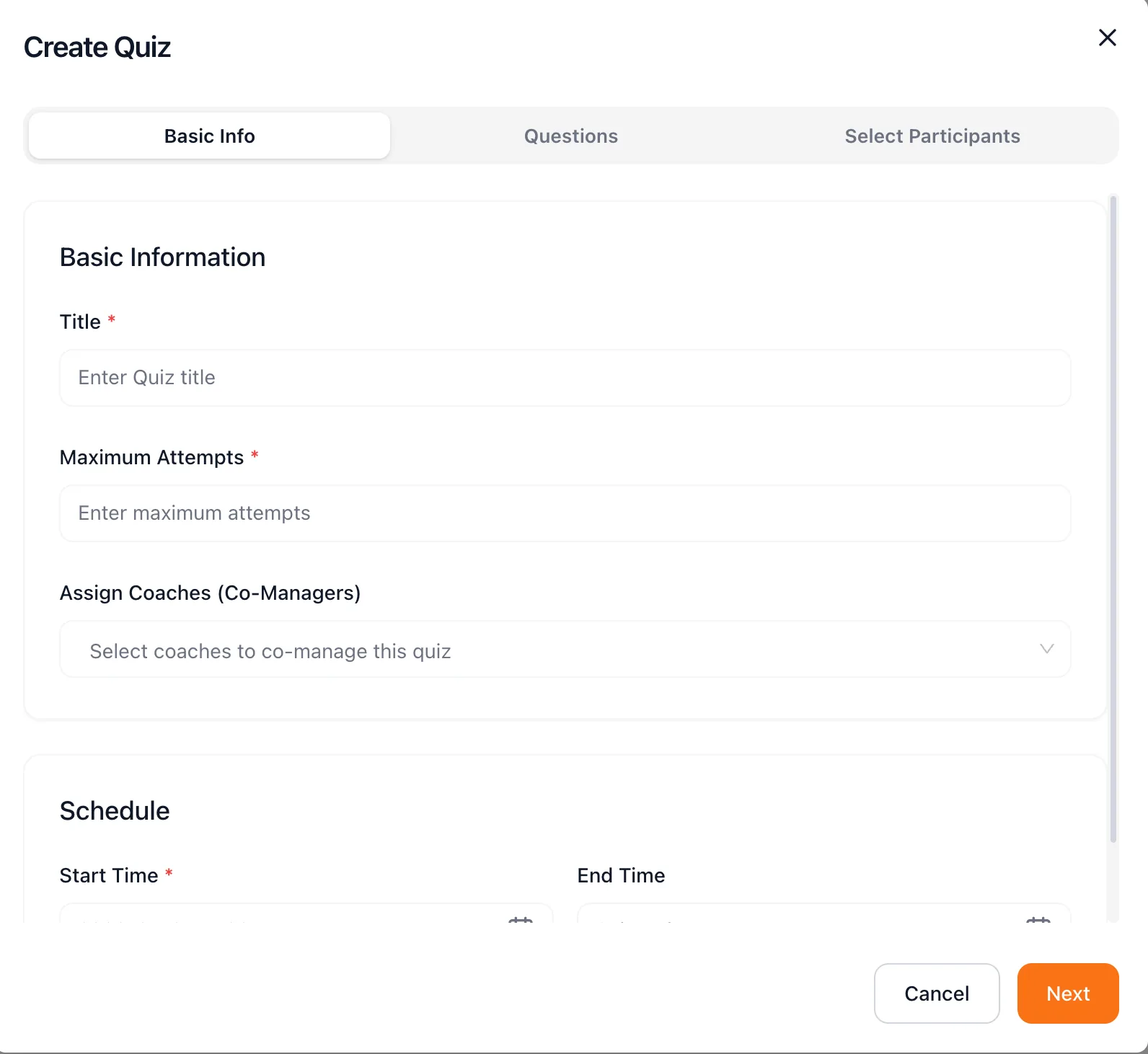
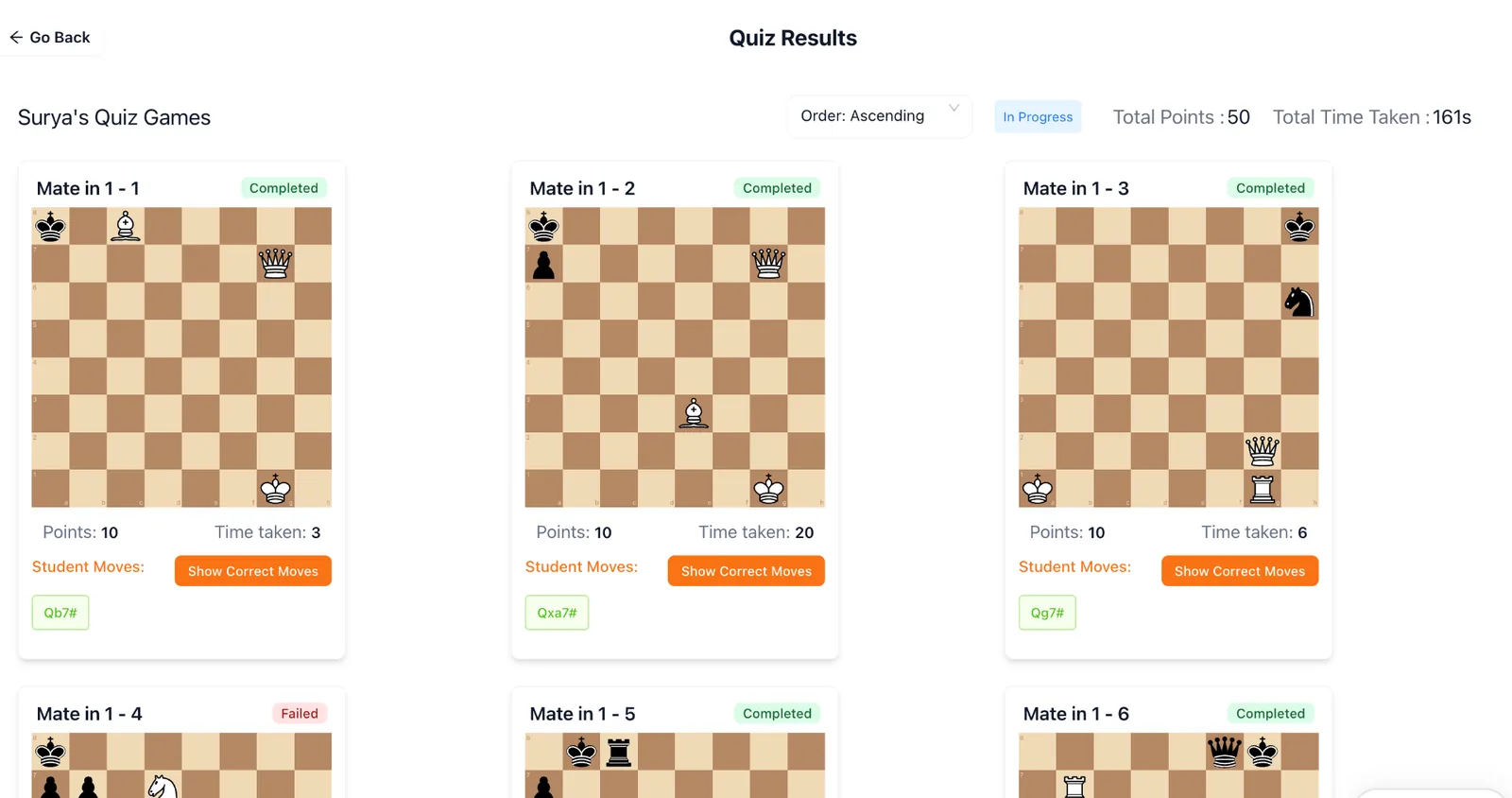
Homework Students Actually Complete
Assign positions to play vs computer, puzzles to solve, or games to analyze. Students see pending work right on their dashboard, a gentle nudge.
- ✓Track completion rates per student and batch
- ✓Automatic reminders for pending assignments
- ✓Multiple formats: puzzles, positions, play-vs-computer
Progress at a Glance
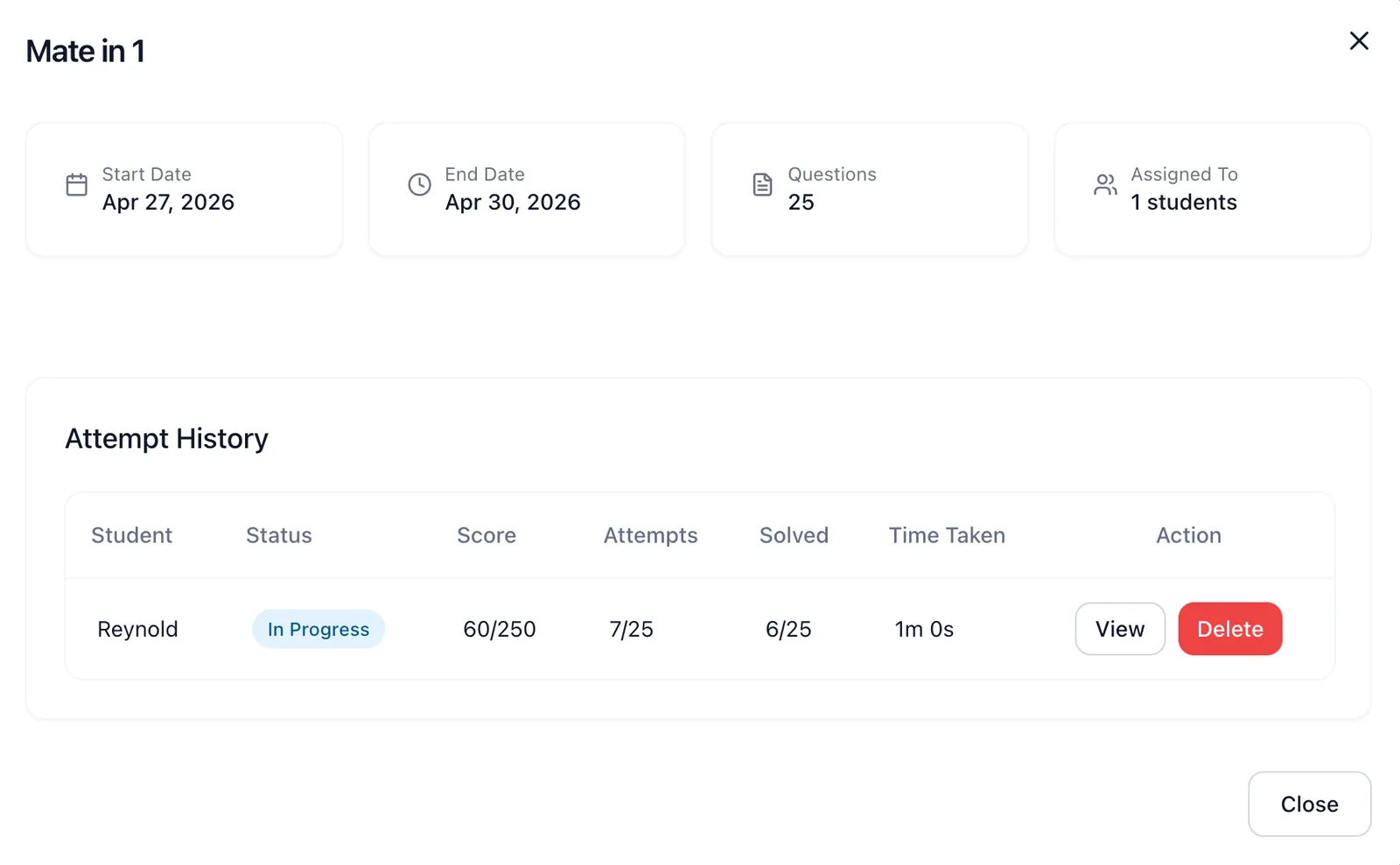
Quiz scores, completion trends, topic-level breakdowns. Share with parents in one click. Data-driven coaching without the manual effort.
- ✓Detailed per-student performance breakdown
- ✓Batch-level analytics and comparisons
- ✓One-click PDF export for parent meetings
Frequently asked questions
Are chess quizzes auto-graded?
Yes. Tactics, mate-in-N, and multiple-choice questions are graded the moment a student submits. Coaches see scores instantly without lifting a pen.
Can I assign different homework to different batches?
Yes. Build a quiz once and assign it to any combination of students or batches with separate due dates and time limits.
Can students retake a quiz?
You decide. Allow unlimited attempts, a fixed number, or single attempt, and choose whether the best, latest, or average score counts.
Where do quiz results show up for parents?
Quiz scores roll into the monthly parent report PDF and the student's progress dashboard, so parents can see exactly what their child practised.
Can I import positions from PGN or Lichess studies?
Yes. Paste FEN, upload a PGN, or import directly from a Lichess study | ChessPlay turns each position into a quiz question in seconds.
Ready to make homework actually happen?
Join 150+ chess academies already using ChessPlay. Free 7-day trial.